

Employee onboarding automation: ready on day one with Workday, Microsoft 365, and Okta
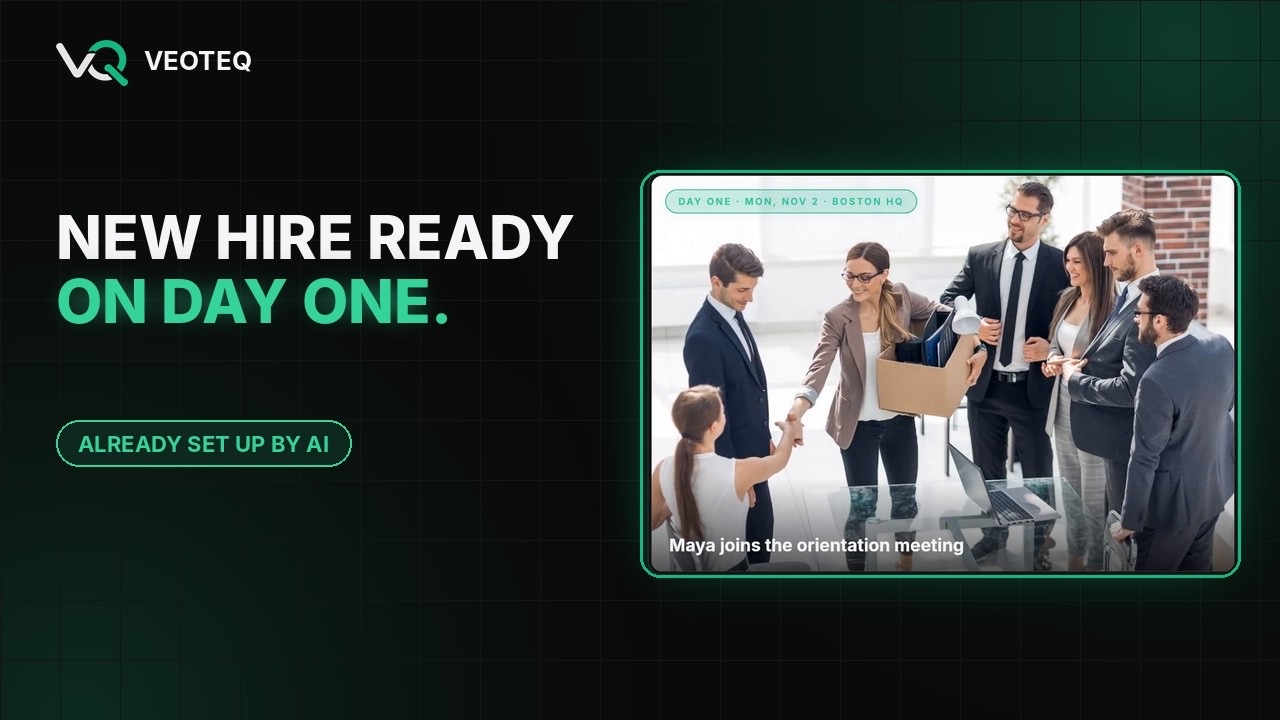
A new hire accepts the offer, and the clock starts. HR needs the record complete. IT needs to order a laptop, create an email account, and set up single sign-on. The manager needs to know the start date. Someone needs to send a welcome kit. Miss one step and day one means no laptop, no login, and no idea where to be.
This guide shows how to automate employee onboarding across Workday (HR), a hardware vendor, Microsoft 365 and Teams (email and collaboration), and Okta (identity), with HR in control of a single approval. The same pattern works with other HR, identity, and IT platforms.
Takeaways
- Onboarding breaks at the hand-offs between HR, IT, and facilities
- Validate the hire record before anything is ordered or created
- Give HR one approval instead of five teams' checklists
- Follow your role and access rules automatically, and log every step
Why onboarding goes wrong
Most onboarding problems are not technology problems. Each team works from its own checklist, requests travel by email and tickets, and errors in the hire record (a wrong start date, a missing cost center, a misspelled name) surface only after a laptop has shipped or an account has been created.
- HR, IT, facilities, and managers each track their own steps
- Hardware, accounts, and access are requested separately
- Nobody sees the whole picture until something is missing on day one
Validate first, then act
The most valuable step is the one most processes skip: checking the hire record before anything happens. In the VEOTEQ workflow, the process starts when Workday marks the new hire active. AI checks the record for missing or inconsistent fields and flags anything that needs attention, before any equipment is ordered or any account is created.
One approval, everything else automatic
HR reviews the validated hire on one dashboard and approves. Then the workflow:
- Orders the right hardware through the vendor's system
- Creates the Microsoft 365 account and sets up Okta single sign-on, following your role and access rules
- Sends the HR onboarding invitation
- Notifies the manager and the new hire by email and Teams
- Ships the welcome package to the new hire's door
Watch it end to end, with illustrative data, in our 2-minute onboarding demo.
Controls HR and IT should agree on
- Nothing happens before HR approves: no orders, no accounts, no access.
- Least-privilege access: accounts and applications follow role-based rules, not copy-the-last-hire.
- Every step logged: who approved, what was created, and when.
- Exceptions go to a person: anything unusual is routed to the right owner with the reason.
How to start
Count last quarter's hires and how many had a day-one problem: a late laptop, a missing account, or wrong access. That number, and the hours your teams spend coordinating, is the baseline. Bring it to a 30-minute AI Fit Call and we will tell you honestly whether automating onboarding is worth it for your team.